Control every USB device that connects
USB Device Control is an allowlist for removable peripherals. Unknown devices are blocked on connection — and you decide, with precision, exactly what gets through.
Try DemoAn allowlist keyed to the real device
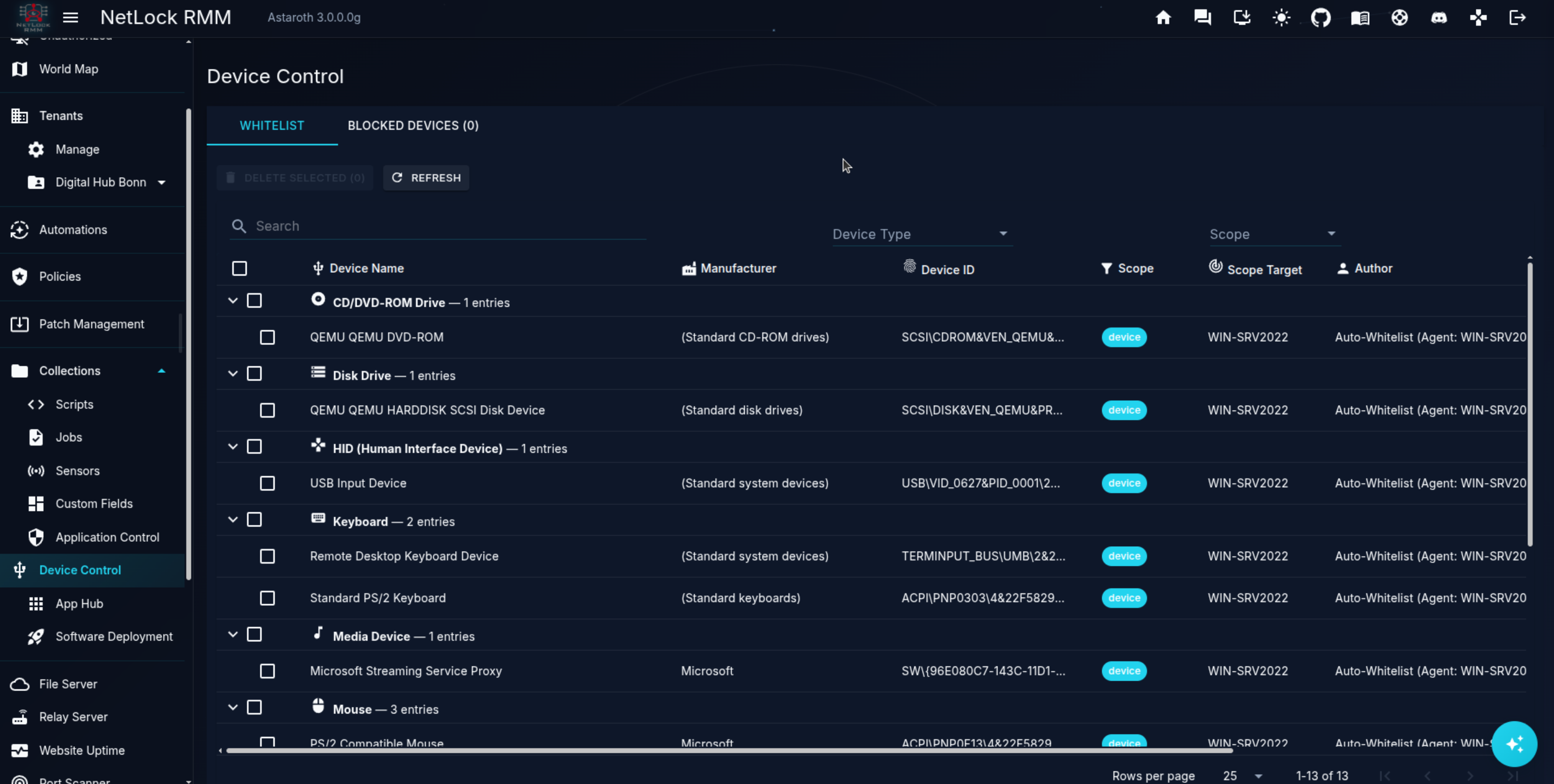
Each whitelist entry identifies a peripheral by the attributes Windows itself reports.
Device ID matching
A device is identified by its vendor ID, product ID, serial number, and device class — so you can allow one exact unit or a whole model family.
Enable per entry
Every whitelist entry can be individually enabled or disabled without deleting it.
Built from real connections
Whitelist entries come straight from devices that actually connected — no guessing at identifiers.
Approval is the only way onto the list
There is no standalone form for inventing a whitelist entry — entries are created exclusively by approving a real, blocked device.
Approve for device
Allow this exact peripheral on the one device it was blocked on.
Approve for tenant
Allow the device across every endpoint in a tenant.
Approve for location
Allow the device for every endpoint at a location.
Approve for group
Allow the device for every endpoint in a device group.
Approve globally
Allow the device everywhere NetLock RMM manages.
Dismiss
Reject the request and keep the device blocked.
When a blocked device is approved, the change re-syncs to the affected agents immediately.
One decision, exactly the reach you intend
Approve a device for a single machine or widen it ring by ring — device, group, location, tenant, or the whole estate.
Recognised device classes
Connected peripherals are categorised by class, so you can reason about what is plugging in.
Switched on via NetLock policy
USB Device Control is switched on under NetLock's Policy Settings → Windows → USB Device Control. Once enabled, blocked devices surface for review and every approval is pushed to the affected agents right away.
Decide what plugs into your fleet
Removable-device allowlisting with approvals scoped exactly the way you want.
View Pricing