Scripts
Manage custom scripts and leverage community-shared solutions
Introduction
In the Scripts section, you can add custom scripts for centralized management. These scripts can be added to jobs or sensors. If you update a script, all associated jobs and sensors will be automatically updated.
Centralized Management
Store and manage all your scripts in one place for easy access and updates
Automatic Updates
Update a script once and all associated jobs and sensors are automatically updated
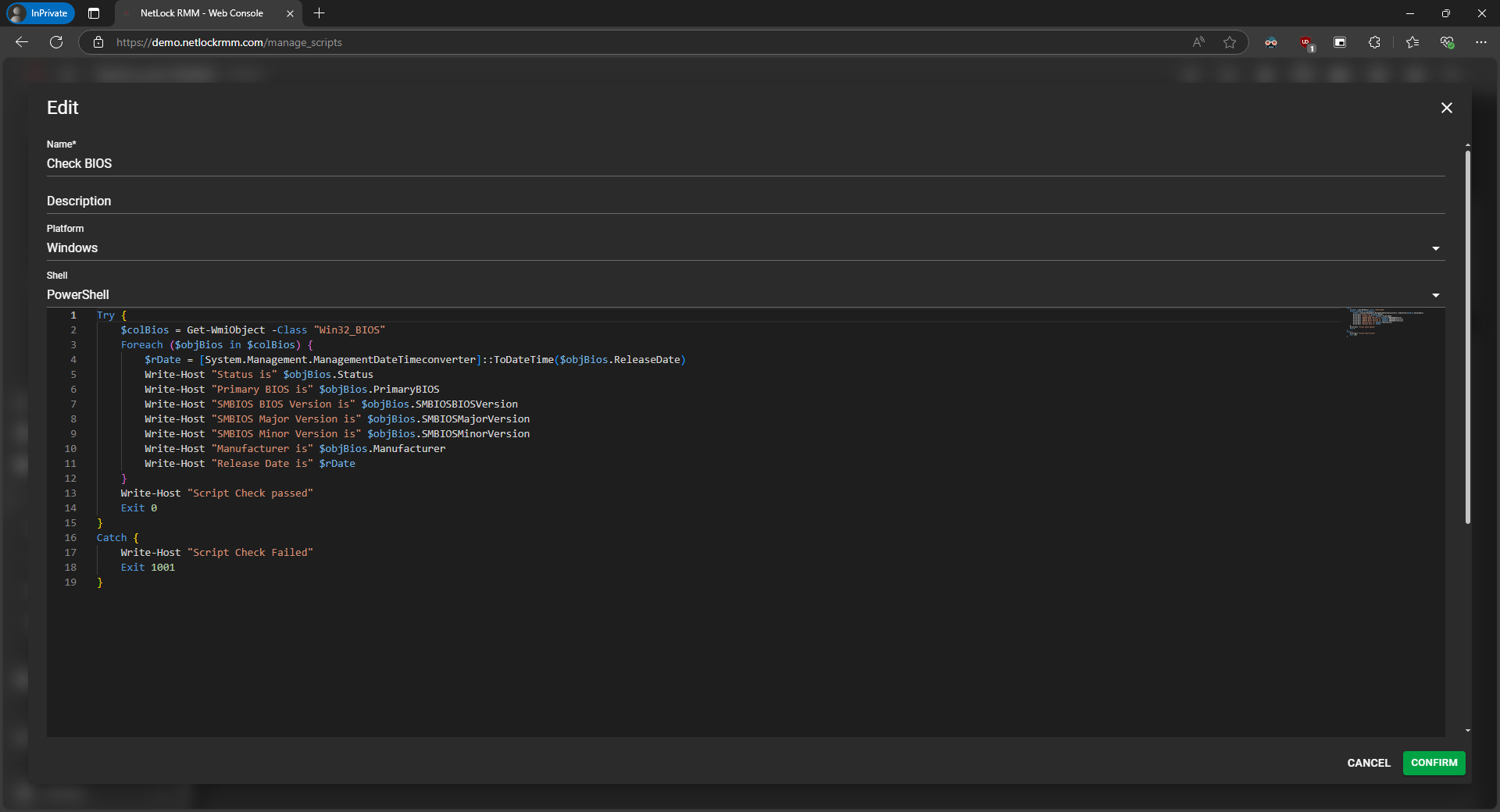
Scripts Collection Interface
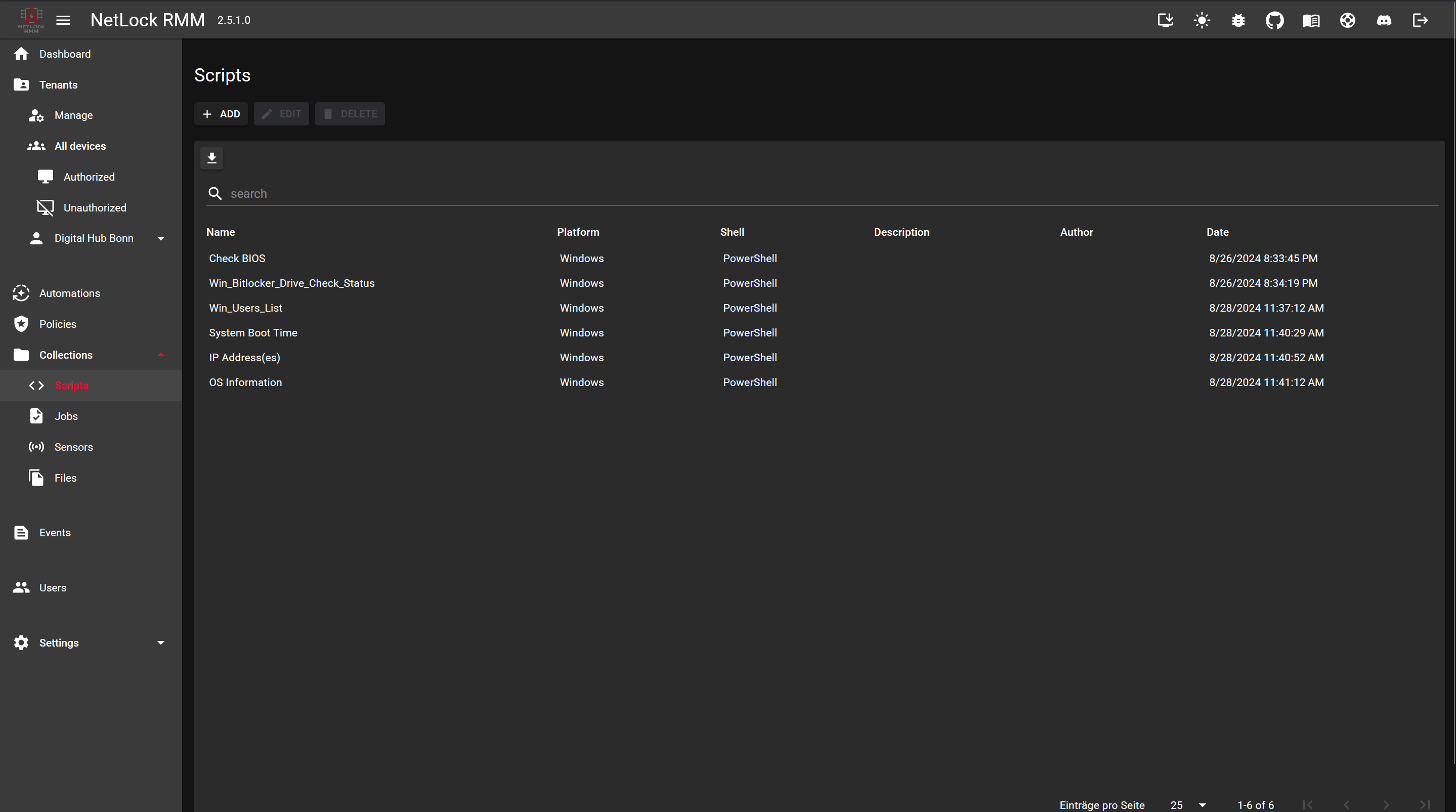
Scripts Overview
Community Scripts
Community Scripts are a curated collection of scripts shared by fellow NetLock RMM users and contributors identified by our system. These scripts are designed to help you streamline your workflows and solve common challenges.
Access Community Scripts
You can access Community Scripts in two ways:
- Via the Collections → Scripts section
- Directly from the Remote Shell window (limited view)
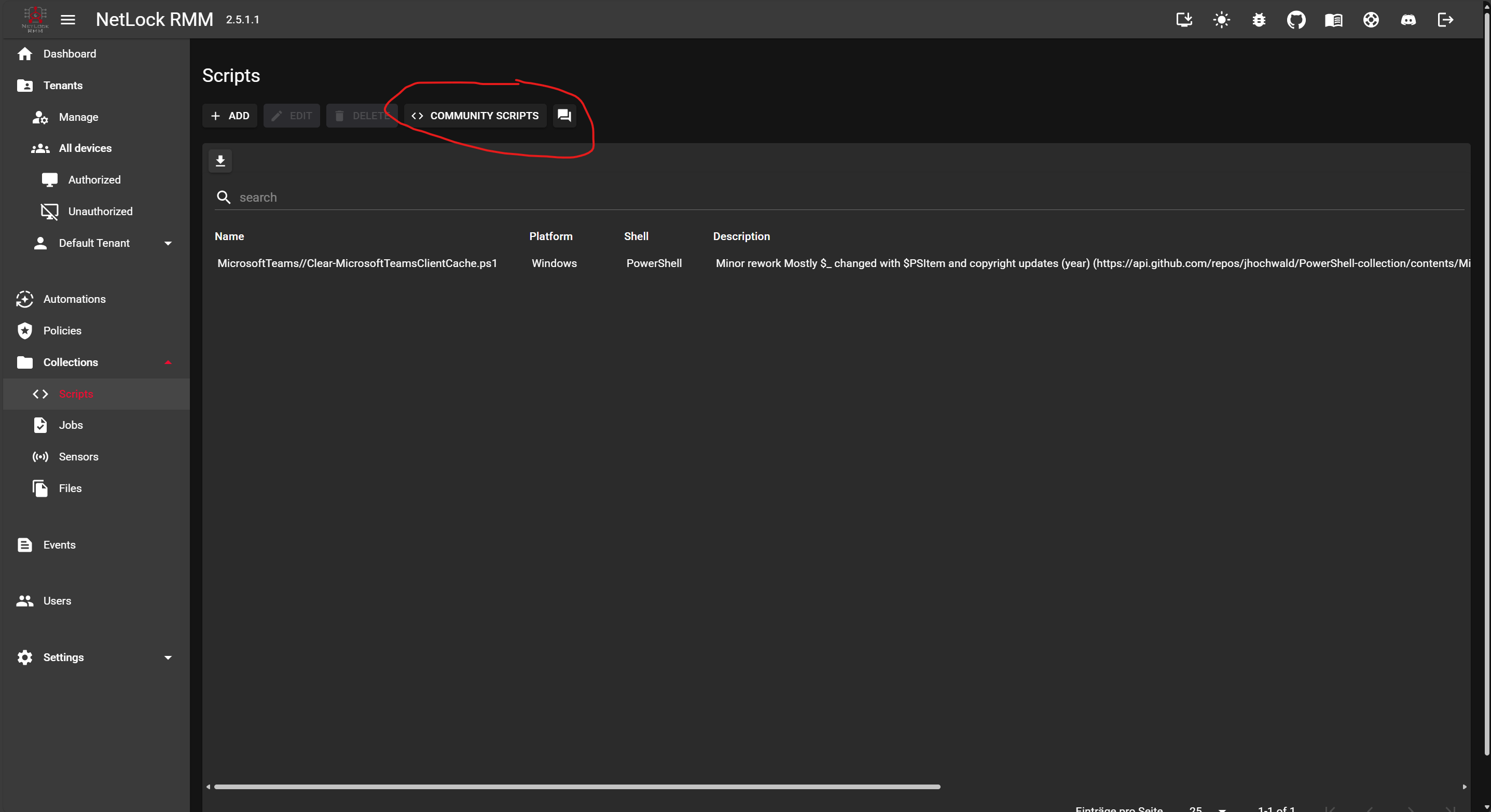
Access via Collections
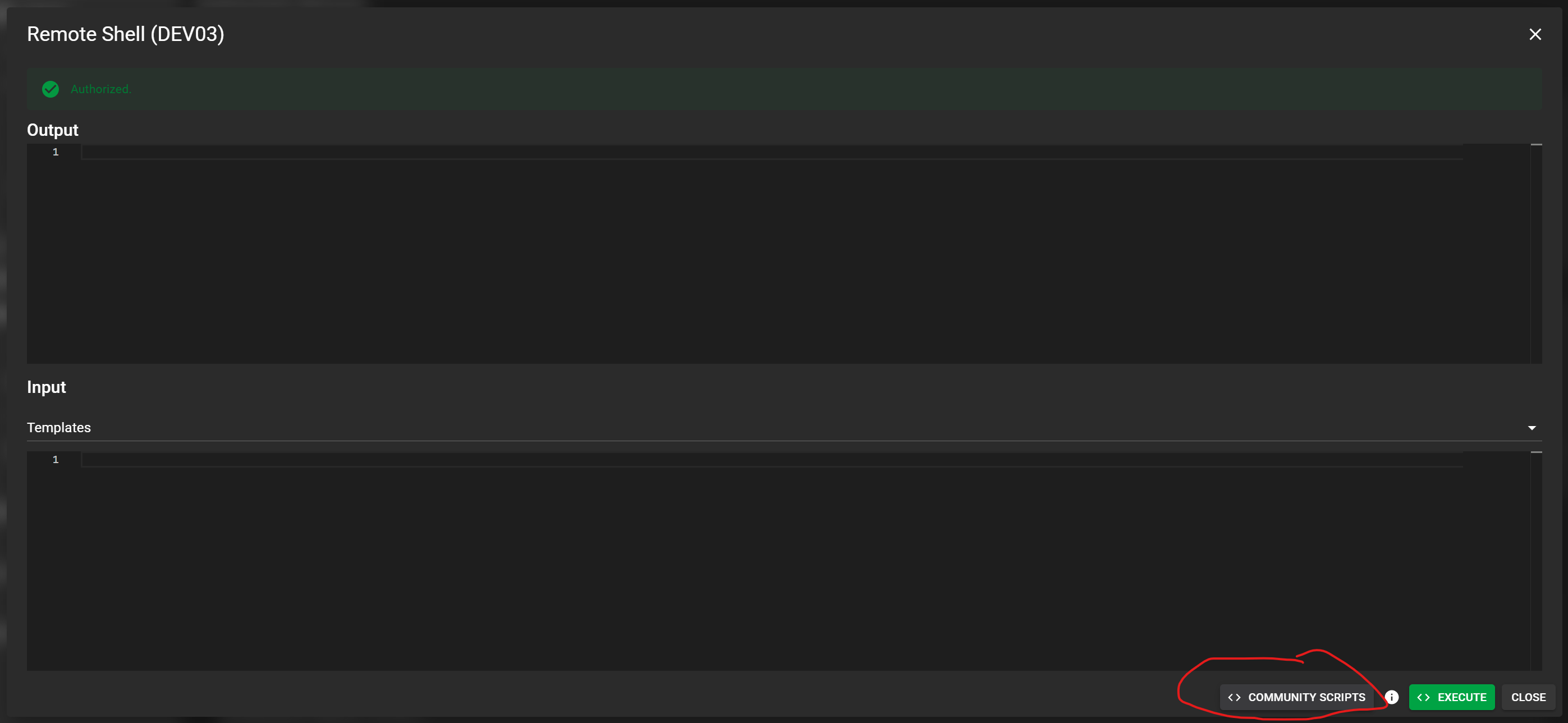
Access via Remote Shell
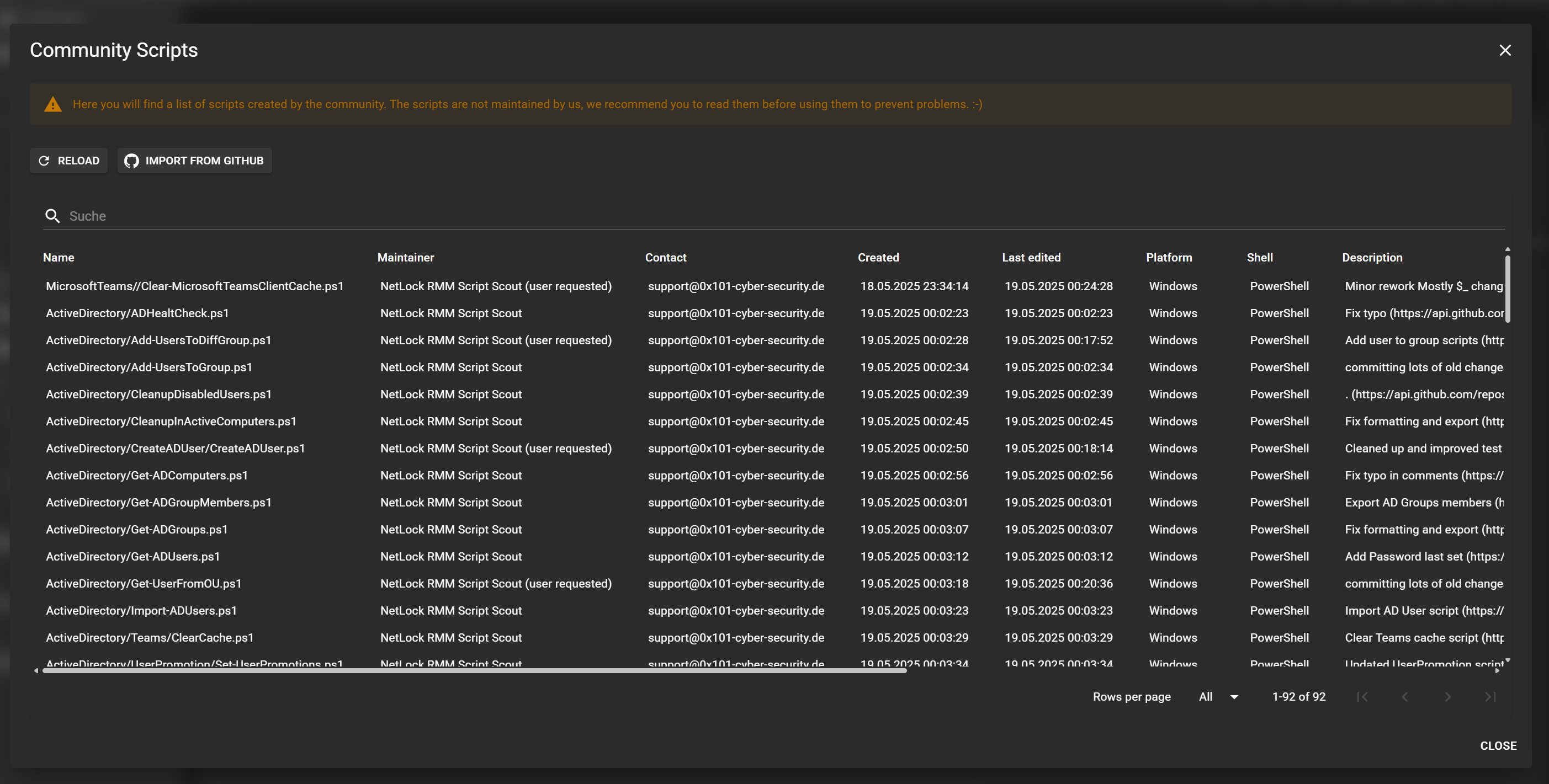
Community Scripts Collection
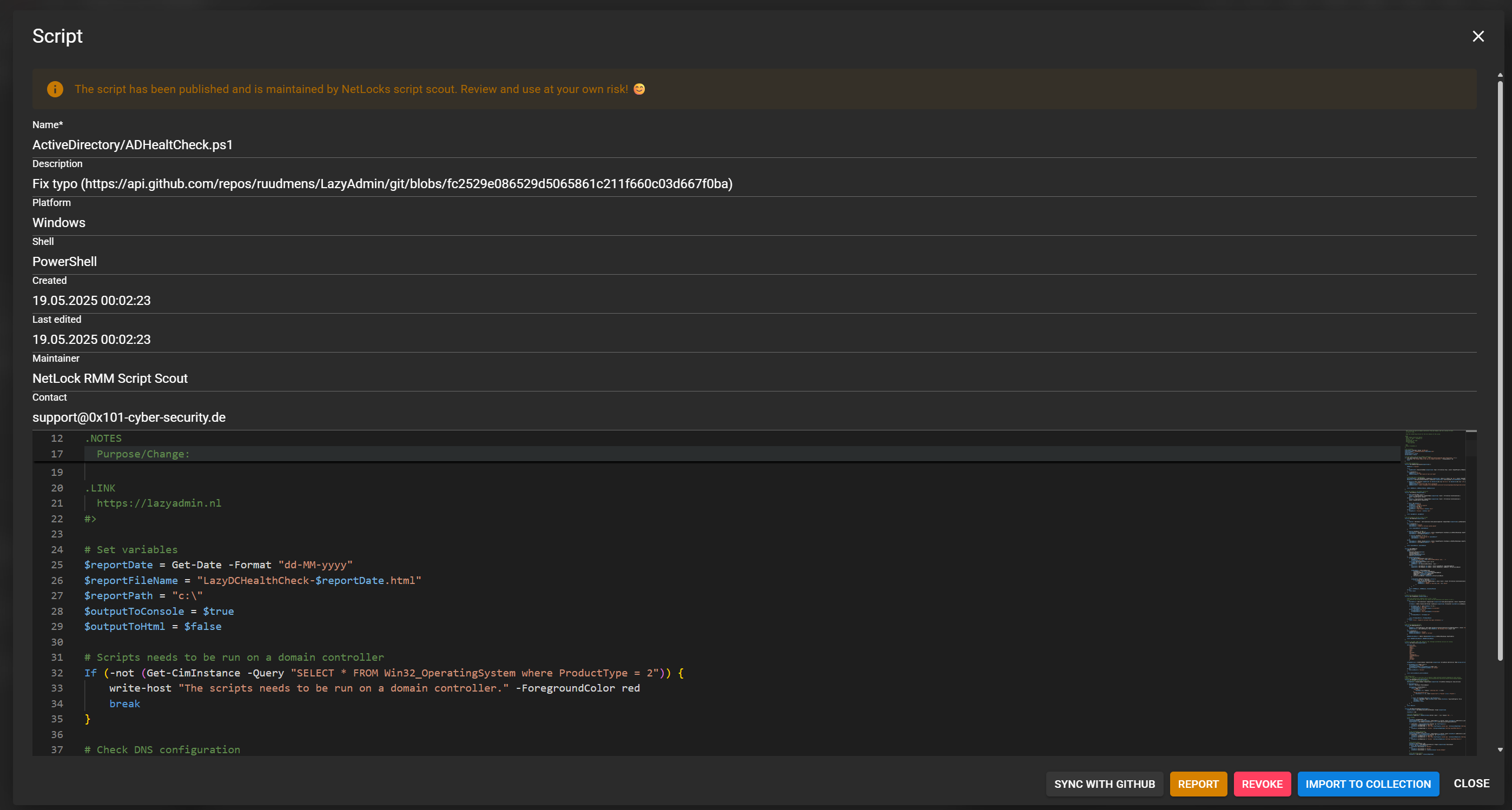
Script Viewer
Publishing Your Own Script
To contribute your own script:
Edit or create a script
Edit an existing script or create a new one in your collection
Click 'Publish to Community'
Click the 'Publish to Community' button to share your script
- 1. Open the Community Scripts collection
- 2. Select your script
- 3. Click the "Revoke" button
Importing from GitHub
You can also import scripts from external sources like GitHub:
Open Community Scripts
Navigate to the Community Scripts collection
Click 'Import from GitHub'
Select the import option
Paste the script URL
Enter the GitHub URL of the script you want to import
Use community scripts with caution. Always review scripts before executing them on your systems.
If you encounter a script that appears harmful or inappropriate, you can report it directly from the script viewer.